

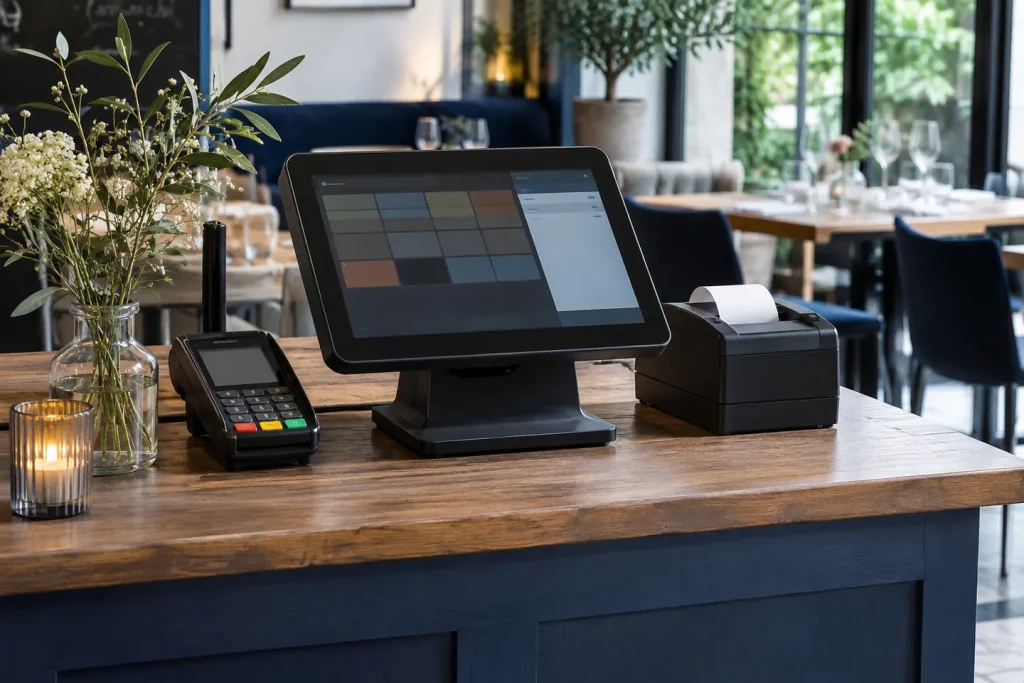
A restaurant POS budget typically has three parts: upfront equipment and setup, recurring software and service charges, and transaction fees. Ask for the total cost over the first year for your actual number of tills and locations. That gives you a better comparison than the monthly licence alone.
What goes into the price?
- Software: Check whether the licence is charged per till, location or account. Ask which features are included for inventory, reporting, loyalty and delivery.
- Equipment: List tills, handhelds, kitchen displays, printers, payment terminals and network equipment. Find out what you can reuse and whether replacements are bought, leased or rented.
- Setup: Ask who builds the menu, imports data, installs hardware and trains staff. Get separate prices for on-site work and additional training.
- Integrations and support: Check connector fees, third-party charges, support hours and fees for extra locations.
- Payments: Request the percentage rate, per-transaction charge, terminal rental and any minimum fees. Compare offers using the same monthly card turnover and transaction count.
Worked example for a two-till restaurant
Suppose software costs €60 per till per month, hardware and setup cost €1,400 upfront, and a delivery connector costs €30 per month. These are illustrative figures.
| Cost | Year one |
|---|---|
| Software: 2 tills × €60 × 12 | €1,440 |
| Hardware and setup | €1,400 |
| Connector: €30 × 12 | €360 |
| Total before payment fees and tax | €3,200 |
To include payment fees, multiply projected card turnover by the percentage fee, then add any per-transaction charges and fixed fees. When comparing a replacement with your current system, separate costs you already pay from costs that change with the switch.
What to ask for in writing
Ask for the first-year and ongoing annual totals, tax treatment, equipment ownership, billing term, included support, renewal terms and any exit or data-export charges. Use the same equipment count and feature requirements for every quote.
See GastroDigital’s Syrve plans for published plan pricing and features. For a restaurant-specific estimate, bring your till count, locations and integrations to a GastroDigital demo.